Can I create a Google Business Profile without an address?
Yes, if you travel to customers: how service-area businesses hide their address on Google, and what Google says about driving distance, virtual offices and PO boxes.
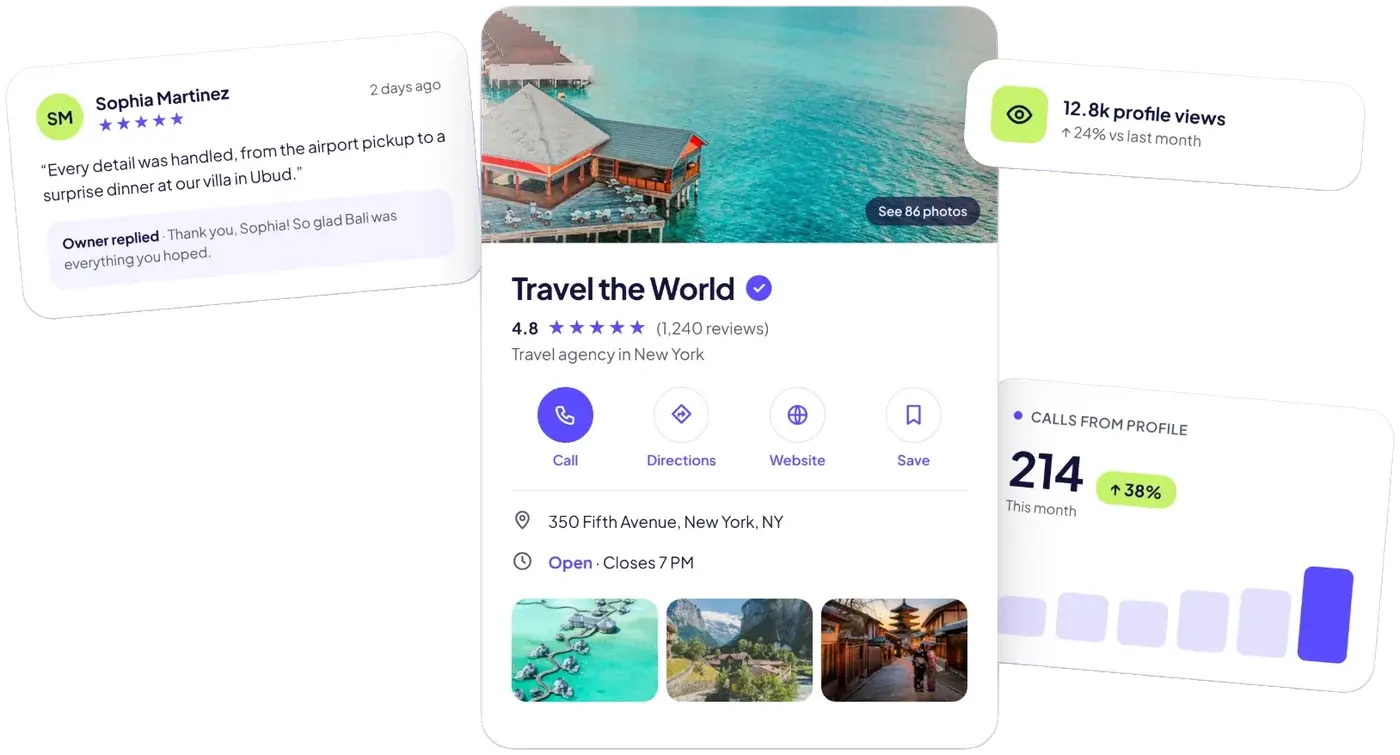
Can you create a Google Business Profile without an address? Yes, if you travel to your customers instead of having them come to you. Google calls this a service-area business: you hide your address from the public profile and list the areas you serve. What you can't do is skip the address because you don't have a real location at all.
What counts as a service-area business?
Google's guidelines for representing your business say a service-area business should have one profile for a central office or location, with a designated service area. A plumber who works out of a home address, with the van parked in the driveway, is Google's own example of a business that should hide its address.
Think of the trades: plumbers, HVAC crews, electricians, mobile mechanics, house cleaners, a roofer who quotes on the roof, not at a counter. Customers never visit. You visit them.
Can I hide my address on Google Business Profile?
Yes, and for service-area businesses Google says you should. The profile still needs an address behind the scenes so Google knows where you're based, but it isn't shown to customers. Delivery-only food brands must hide the address and add service areas too.
In practice the setup goes like this:
- When you create the profile, enter your business name and category.
- Say you serve customers at their location. Google then asks for your address and your service areas.
- Choose not to show the address to customers, and add the cities or areas you cover.
Menu wording changes now and then, so follow what the screen says. The rule underneath stays the same.
There's one exception worth knowing. Google's guidelines describe hybrid businesses, like an auto repair shop that also does roadside service. If staff are at the location to receive customers during stated hours, you can show the storefront address and set a service area as well. If you're a shop with a bay and a counter, show the address. If you're a van and a phone, hide it.
How far can a service area reach?
Google says the service area "shouldn't extend farther than about 2 hours of driving time" from where the business is based, and adds that larger areas may be appropriate for some businesses. The sensible way to read that: list the places you'd really drive to for a job on a Tuesday afternoon.
A heating and cooling company in a mid-size city might list the city and four nearby suburbs. Listing 30 towns because you want to show up everywhere won't help. A profile that claims a huge area it doesn't serve invites trouble and doesn't match what customers expect when they call.
Can I use a PO box or a virtual office?
No on the PO box. Google's guidelines say P.O. boxes and remote mailboxes aren't acceptable as addresses. If you need a suite or mailbox number as part of a real street address, the street address goes in Address Line 1 and the number in Address Line 2.
A virtual office is also out. Google says a rented mailing address where you don't actually operate isn't eligible, and a service-area business can't list a virtual office unless it's staffed during business hours. Renting a mailbox in a nicer zip code to look closer to customers is the exact thing Google is trying to stop.
If you work from home, use your home address as the hidden base. Customers never see it.
What are the downsides of hiding the address?
Customers can't see a pin on the map at your location, so you won't look like a storefront. That's a normal trade-off for a service business. The things you control are your service areas, categories, photos of real jobs, reviews and the pages on your website that match the work you do.
That last part is where a service-area business earns its calls. A plumber's profile with the address hidden should point to a website that names the cities served and the jobs done there. Our page for plumbers goes into what that site looks like.
Other rules that apply to every profile
A few more guideline points that trip up new service businesses:
- Name: use the real name on your truck, invoices and website. Don't add services or locations to it, such as "Smith Plumbing Emergency Drain Cleaning Dallas". Google says unnecessary extras could lead to suspension.
- Categories: choose the fewest that describe the core business, and make them specific.
- One profile per base: a service-area business should have one profile for its central location, not a profile in every town it serves.
If you want help getting this set up correctly the first time, see our Google Business Profile service.
FAQ
Do I need a physical office to get a Google Business Profile? Not a public one. You need a real base, such as a home address, but a service-area business can hide it.
Can I add a PO box as my service-area base? No. Google's guidelines don't accept PO boxes or remote mailboxes.